
Which Claude plan fits your work? And how to make your usage last
The 5-hour limit is gone, but only for Ultra subscribers whose accounts are verified. Here you'll see how Claude's limits work, which plan fits your work, and how to make your usage last longer. Every fact here comes from Anthropic's official pages.
The three plans at a glance
- A 5-hour limit + a weekly limit
- Includes Claude Code
- Or $17 a month if you pay for the year up front
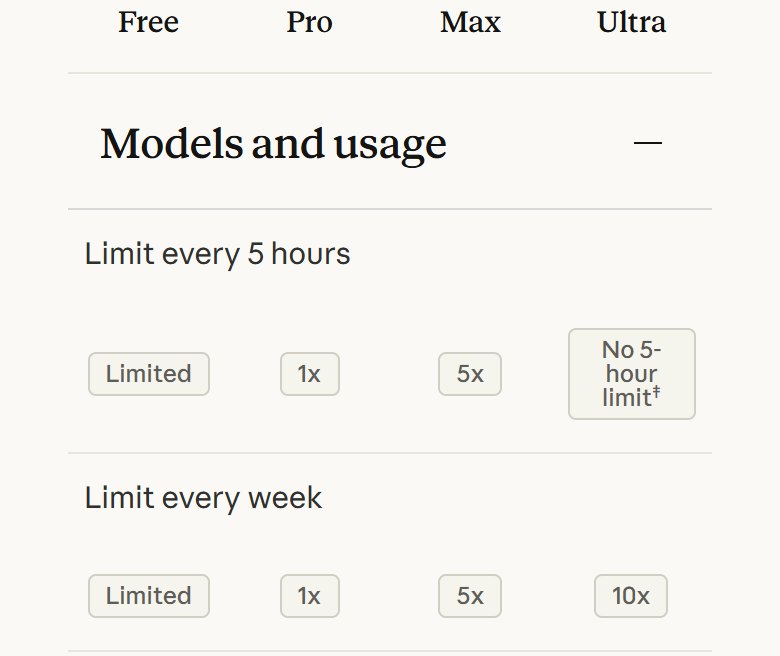
- 5x Pro usage every 5 hours and every week
- The 5-hour limit stays
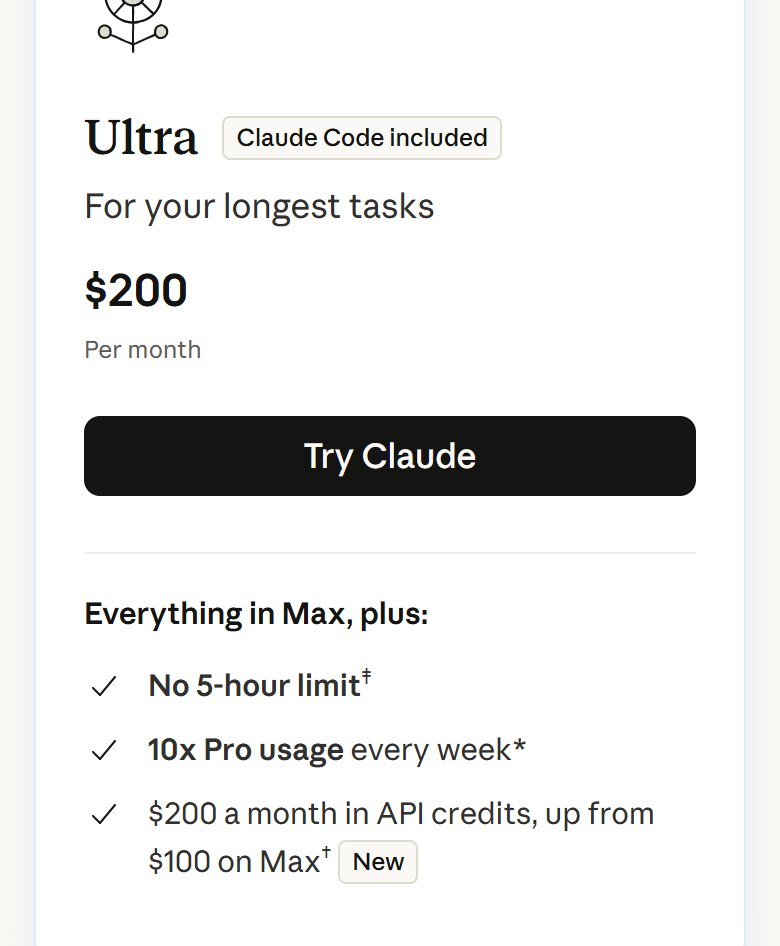
- No 5-hour limit (verified accounts)
- 10x Pro usage every week
Prices from claude.com/pricing on 2 November 2026, before tax. Subscribing through the mobile app can cost a different amount.
Why does the limit run out so fast?
Long chats use more of your limit, and even a one-line question in them counts against the whole conversation.
Higher effort uses more, and simple tasks don't need the strongest model.
Tools and connectors use a lot, even when the chat doesn't need them.
You have two limits, not one
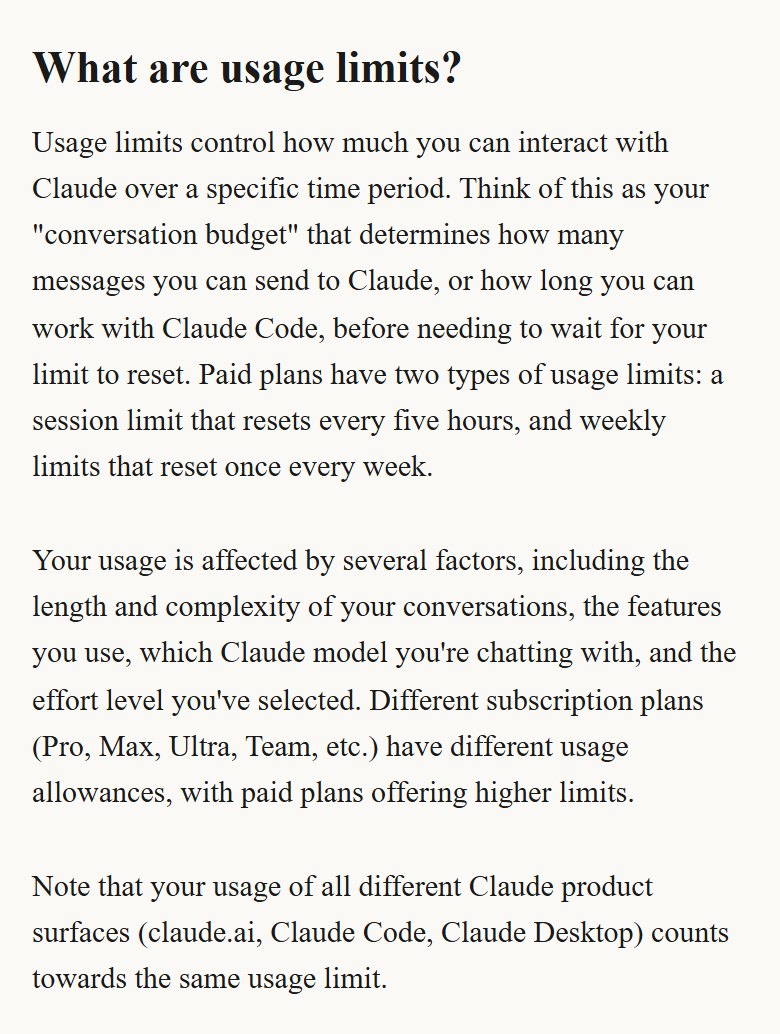
Paid plans have two kinds of limits: a session limit that resets every 5 hours, and a weekly limit that resets once a week.
- The 5-hour limit starts with your first message and resets in full 5 hours later. If you use it up before then, you can use Claude again once it resets.
- The weekly limit resets on a fixed day and time set for your account, no matter when you start using Claude or when you subscribed.
- Your use of claude.ai, Claude Code and the desktop app all counts against the same limit.
- What sets how fast you use it: how long and complex the chat is, the tools you use, the model, and the effort level.
See how much you have left before your work stops
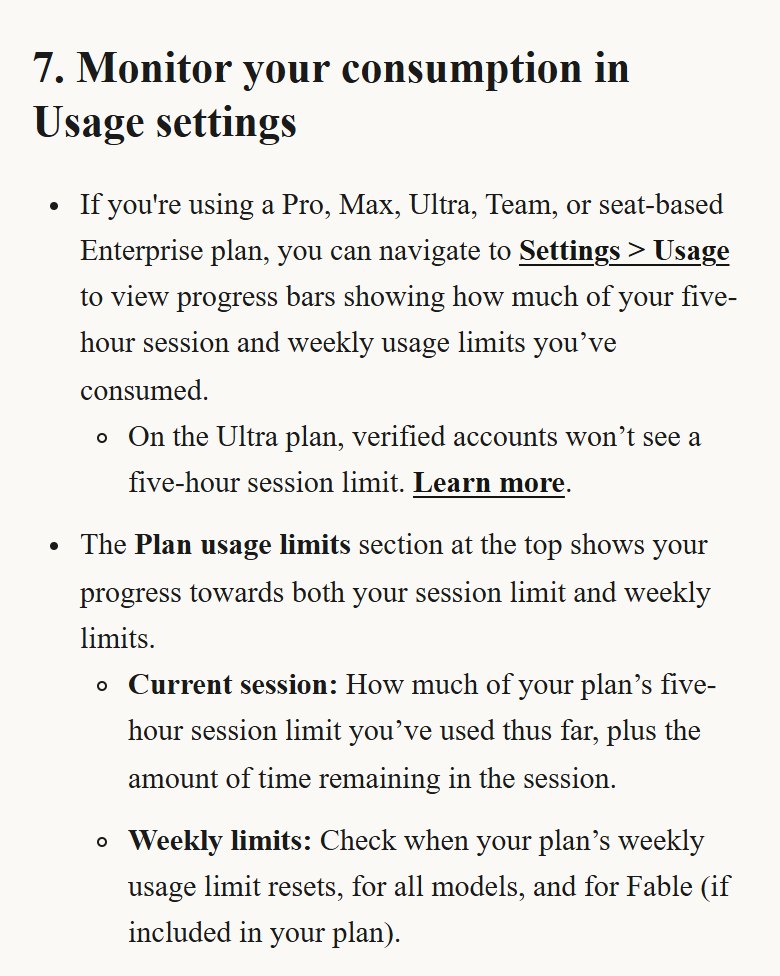
Every paid plan has a page that shows your usage as clear bars:
- Current session: how much of the 5-hour limit you've used, and how much time is left in the session.
- Weekly limits: how much of your weekly limit you've used, and when it resets.
- In Claude Code: type /usage to see the same bars, plus a breakdown of what uses your limit and recommendations.
Which plan fits your work?
Every paid plan includes Claude Code. The real difference is how much usage you get:
- Pro · $20: if you use Claude for your everyday work (writing, ideas, content) and rarely hit the limit.
- Max · $100: if you work with it all day and keep hitting Pro's limit. You get 5x Pro usage every 5 hours and every week.
- Ultra · $200: if your tasks are long and the 5-hour limit cuts them off halfway. No 5-hour limit for verified accounts, and 10x Pro usage every week.
What exactly changed in Ultra?
This is the news from the reel, in Anthropic's own words:
- The Max 20x plan is now called Ultra, and subscribers moved to it automatically at the same price: $200 a month.
- Verified Ultra has no 5-hour limit: work at your own pace, within your weekly limit.
- Anthropic verifies Ultra accounts automatically, using your account and payment history.
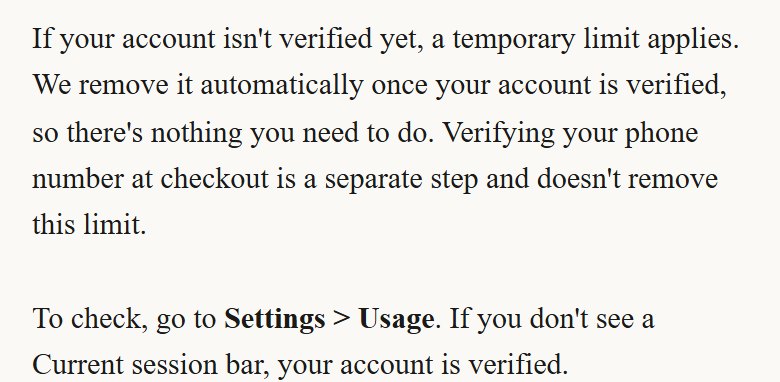
- Until your account is verified, a temporary limit applies and is lifted by itself. There's nothing you need to do, and verifying your phone number at checkout doesn't remove it.
- The $100 plan (Max) keeps its 5-hour limit as it is.
6 habits that make your usage last longer
Anthropic's official tips for the Claude app (web, mobile and desktop):
- A new chat for every new topic. Long chats use more of your limit.
- Put related questions in one message, and make your request clear the first time instead of sending many messages.
- A lighter model for simple tasks: Sonnet or Haiku handle most work, at lower token costs than Opus.
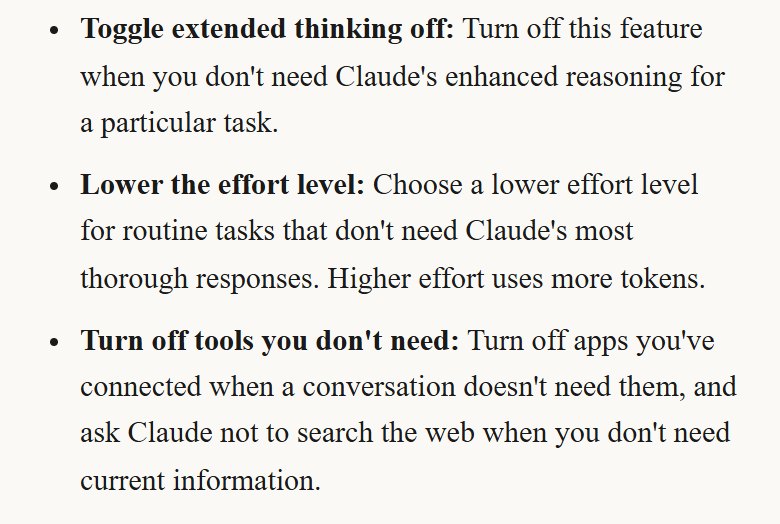
- Lower the effort level and turn off extended thinking for routine tasks. Higher effort uses more.
- Turn off tools and connectors you don't need, and ask Claude not to search the web when you don't need current information.
- Keep your files in a Project instead of uploading them every time. Cached files count less against your limit when you come back to them.
Using Claude Code? These commands save you usage
In Claude Code you have commands that control usage directly:
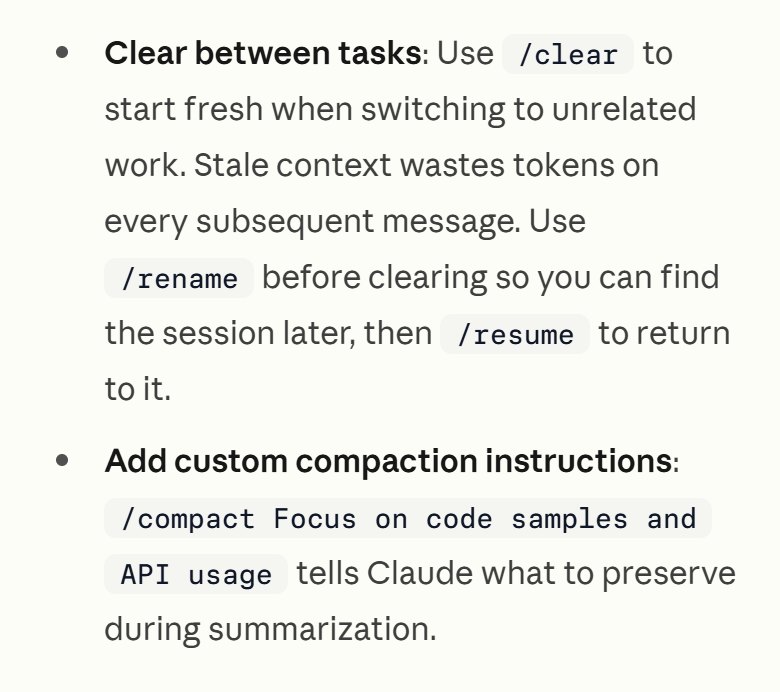
- /clear: when you switch to unrelated work. Old context uses tokens on every message after it. Name the session with /rename first so you can return with /resume.
- /compact: summarises the conversation, and you can tell it what to keep.
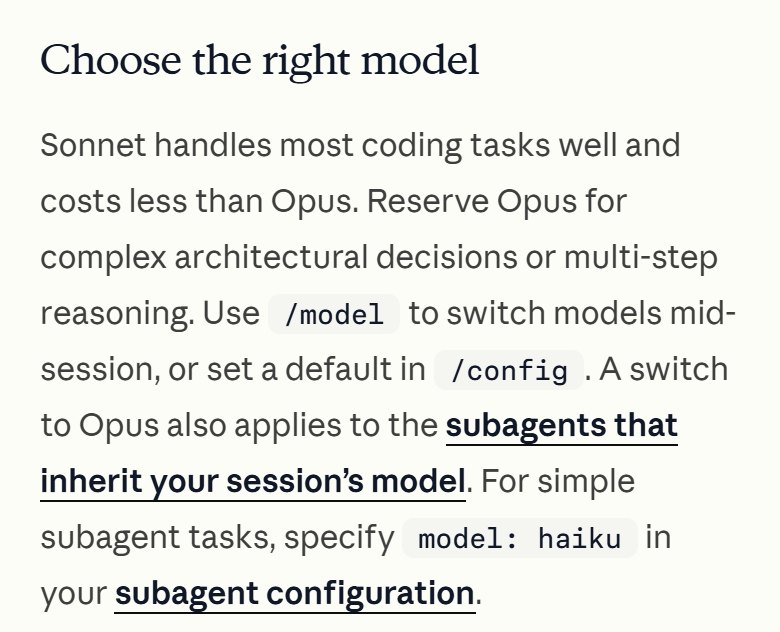
- /model: Sonnet handles most work and costs less than Opus. Keep Opus for complex decisions.
- /effort: lower the effort level for tasks that don't need deep thinking.
- /mcp: turn off servers you don't use, and /context shows what's taking up space.
- Ask for something specific: “add input validation to the login function” beats “improve the code”, because a vague request makes it read many files. And if it heads the wrong way, press Esc right away.
/clear
/compact Focus on code samples and API usage
/model
/effort
/mcp
/context
/usage
Hit the limit? You have 3 options
If your session limit or weekly limit runs out:
- Wait for it to reset: the session after 5 hours, the weekly one at its fixed time.
- Upgrade your plan; the new plan's limits apply right away.
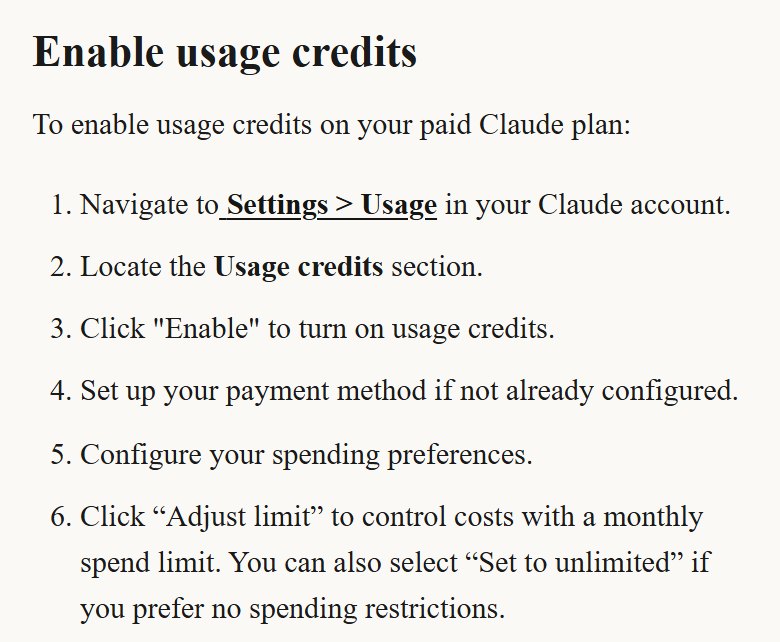
- Turn on Usage credits: your work continues on pay-as-you-go at API rates instead of stopping, until you reach the monthly spend limit you set.
✅ The final checklist
- I know my two limits: the 5-hour limit and the weekly limit.
- I watch the Usage page in Settings, or type /usage in Claude Code.
- My plan matches my work, and I move up when the limit keeps stopping me.
- A new chat for every new topic.
- A lighter model and lower effort for simple tasks.
- I turn off tools and connectors I don't need.
- I set a monthly spend limit if I turn on Usage credits.
📚 We have more than 20 other free guides
More free guides? Tap here ↗Want to learn more?
In Nadr Community we teach Claude, content creation and ads step by step, across 5 tracks we keep improving (lessons are in Arabic):