
Get AI to recommend your business
Your customer now asks ChatGPT and Gemini: "What's the best…?" And AI doesn't give them 10 pages, it gives them one name or two. Here are 9 steps to make your name one of them.
How does AI know who to recommend?
It reads from 3 places, and each step below strengthens one of them:
Your profile on Google, Bing and Apple: your name, business type, location, hours and reviews.
Whether it can get in, and quickly understand what you offer, to whom, and for how much.
Reviews, "best of" lists, forums and YouTube.
Check where you stand now
Before changing anything, know where you stand. Ask exactly the way your customer would.
- Open ChatGPT, Gemini and Perplexity (all free).
- Copy the questions below, and change what's in [ ] to your service and city.
- Note down: did your name come up? In what position? And who came up instead?
Complete your Google Business Profile
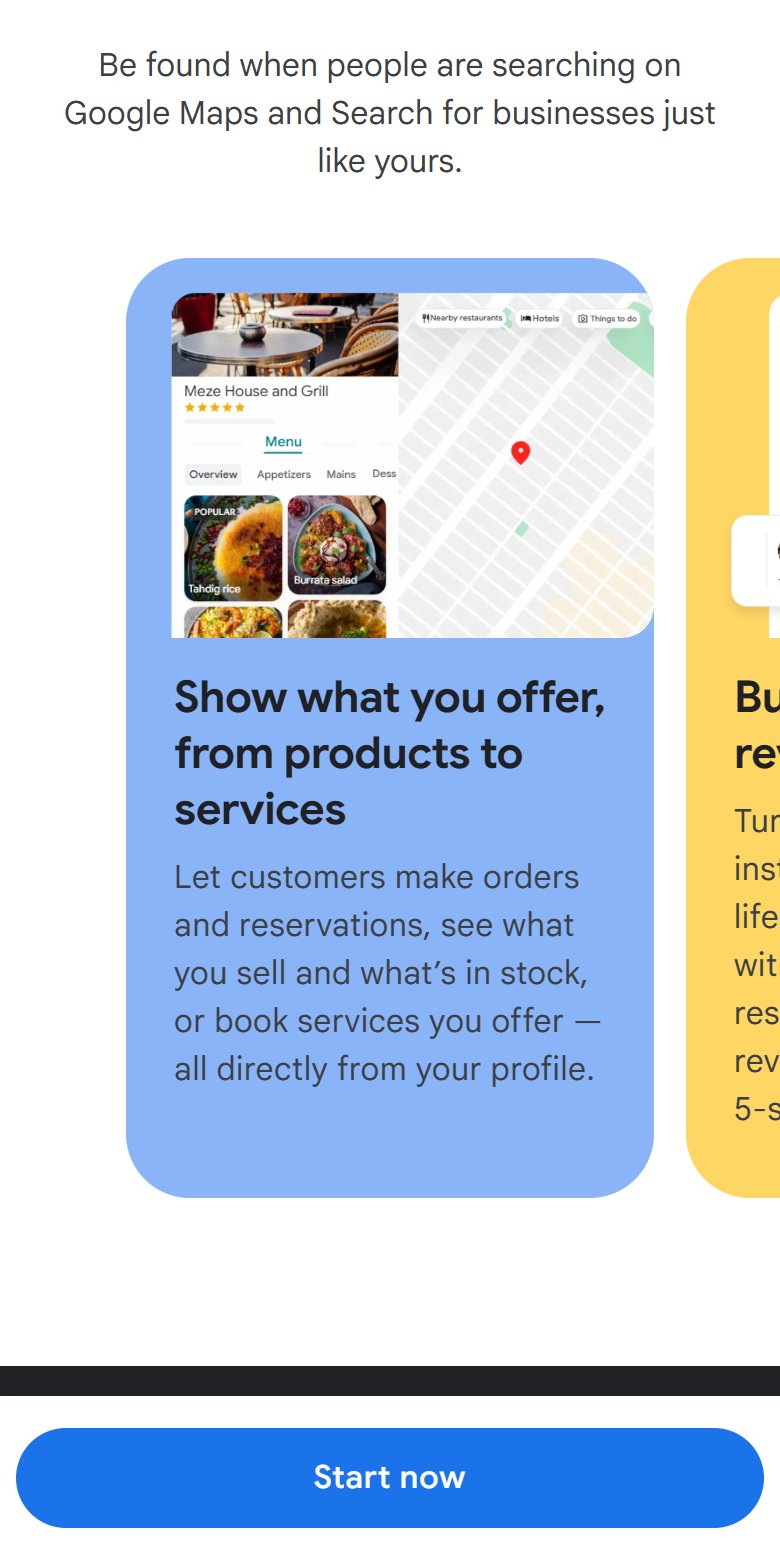
The strongest local signal. Gemini, Google Maps and Google's AI answers take your name, services, hours and reviews from it.
- Choose the right primary category. This is the most important field in the whole profile.
- Write a description that mentions your services and city in natural language, not keyword stuffing.
- Add each service on its own, with an approximate price if you can.
- Opening hours, phone number, location, and your website or booking link.
- At least 10 real photos: the place, the work, the team.
Collect reviews that mention what you did
Reviews are the second strongest signal. And AI reads the words in them, not just the number of stars.
- From your profile, tap "Ask for reviews" and copy the link.
- Send it to every happy customer, right after the service.
- Ask them to mention exactly what you did for them.
- Reply to every review, even the negative ones, calmly and with a solution.
Hi [name], thank you for choosing us 🙏
If you liked the service, your Google review would mean a lot to us (it takes one minute):
[review link]
And if you mention exactly what we did for you, it helps others find us.
The same details everywhere
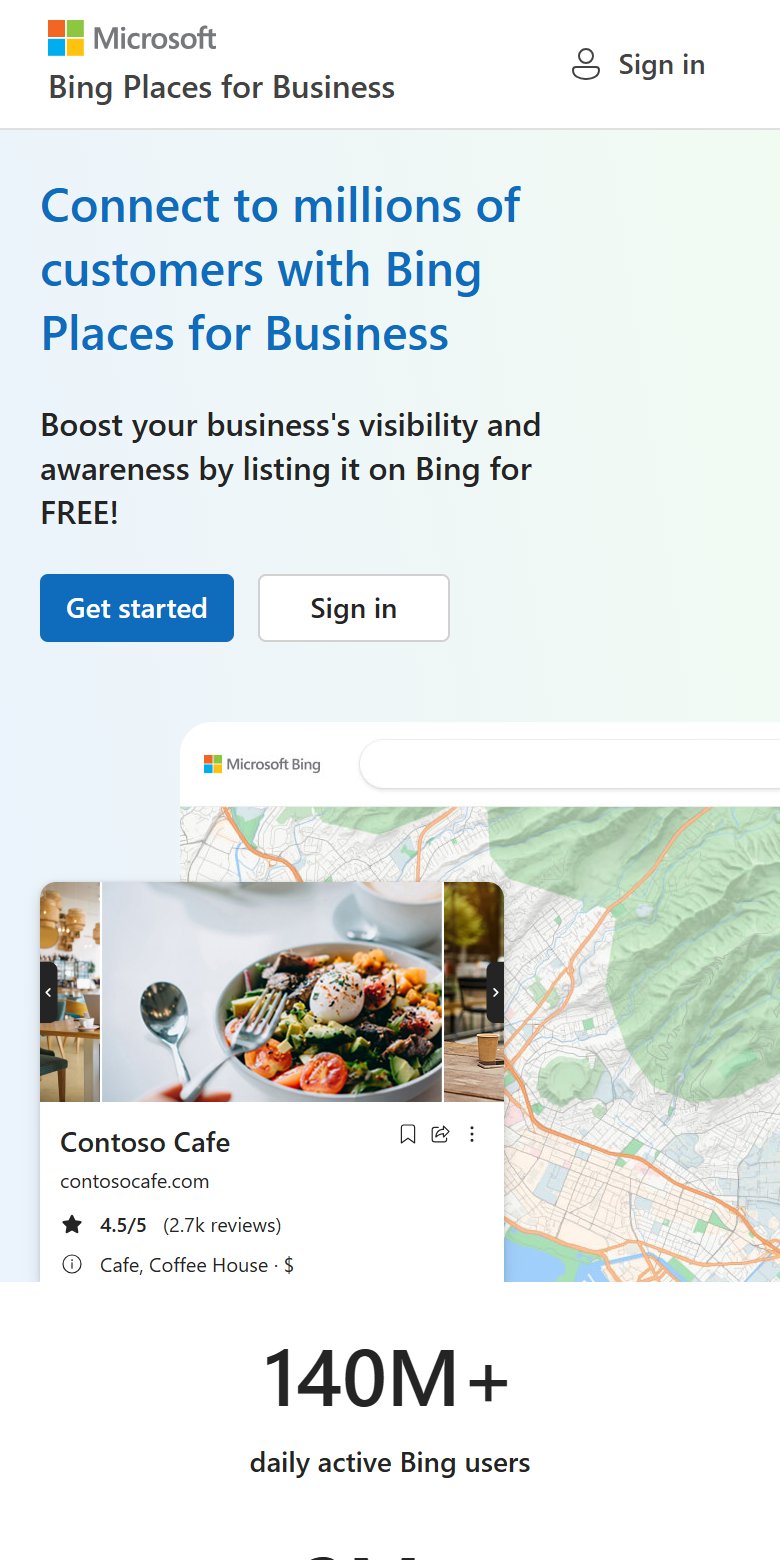
ChatGPT relies heavily on Bing search and on business directories. So you need to be listed there, with exactly the same name, phone number and address.
- Bing Places for Business: you can import your Google profile in one click.
- Apple Business Connect: for Apple Maps and Siri.
- Directories for your field and country: booking platforms, chamber of commerce directories, and Foursquare or Yelp if they operate in your country.
- Exactly the same name everywhere. Not "X Restaurant" in one place and "X Foods" in another.
A clear page for each service
AI recommends businesses it understands exactly. One page with everything in general terms isn't enough.
- A page for each service: what it is, who it's for, where, roughly how much, and how long it takes.
- The first two lines answer the question directly, with no preamble.
- An FAQ section with your real customers' questions.
- Real numbers: years of experience, number of customers, guarantee.
You are an expert in showing up in AI answers.
This is the text of my service page: [paste the text or the link]
Rewrite it so that:
1. The first two lines say clearly: what the service is, who it's for, and in which city.
2. It includes the approximate price, the duration, and what the service covers.
3. It has an FAQ section of 6 questions customers actually ask, with short answers.
4. No exaggeration and no generic talk. Don't invent any number, and leave [ ] in place of any information you don't know.
Let AI crawlers into your website
OpenAI says it clearly: a site that blocks its search crawler (OAI-SearchBot) won't appear in ChatGPT search answers.
- Open yoursite.com/robots.txt and make sure there's no Disallow for these crawlers.
- If your site is on Cloudflare or behind a firewall, make sure the AI-crawler blocking setting doesn't block search crawlers.
- Register your site in Bing Webmaster Tools and submit your sitemap. ChatGPT relies on Bing's index.
User-agent: OAI-SearchBot
Allow: /

User-agent: PerplexityBot
Allow: /

User-agent: Googlebot
Allow: /

User-agent: Bingbot
Allow: /

Sitemap: https://yoursite.com/sitemap.xml
Describe your business to AI in code
A small piece of code (Schema) on your site tells machines exactly: your name, business type, address and hours. Visitors don't see it.
- Copy the prompt below, and let ChatGPT or Claude write the code with your details.
- Put it inside the <head> of your home page. On WordPress, the Rank Math or Yoast plugin does it for you.
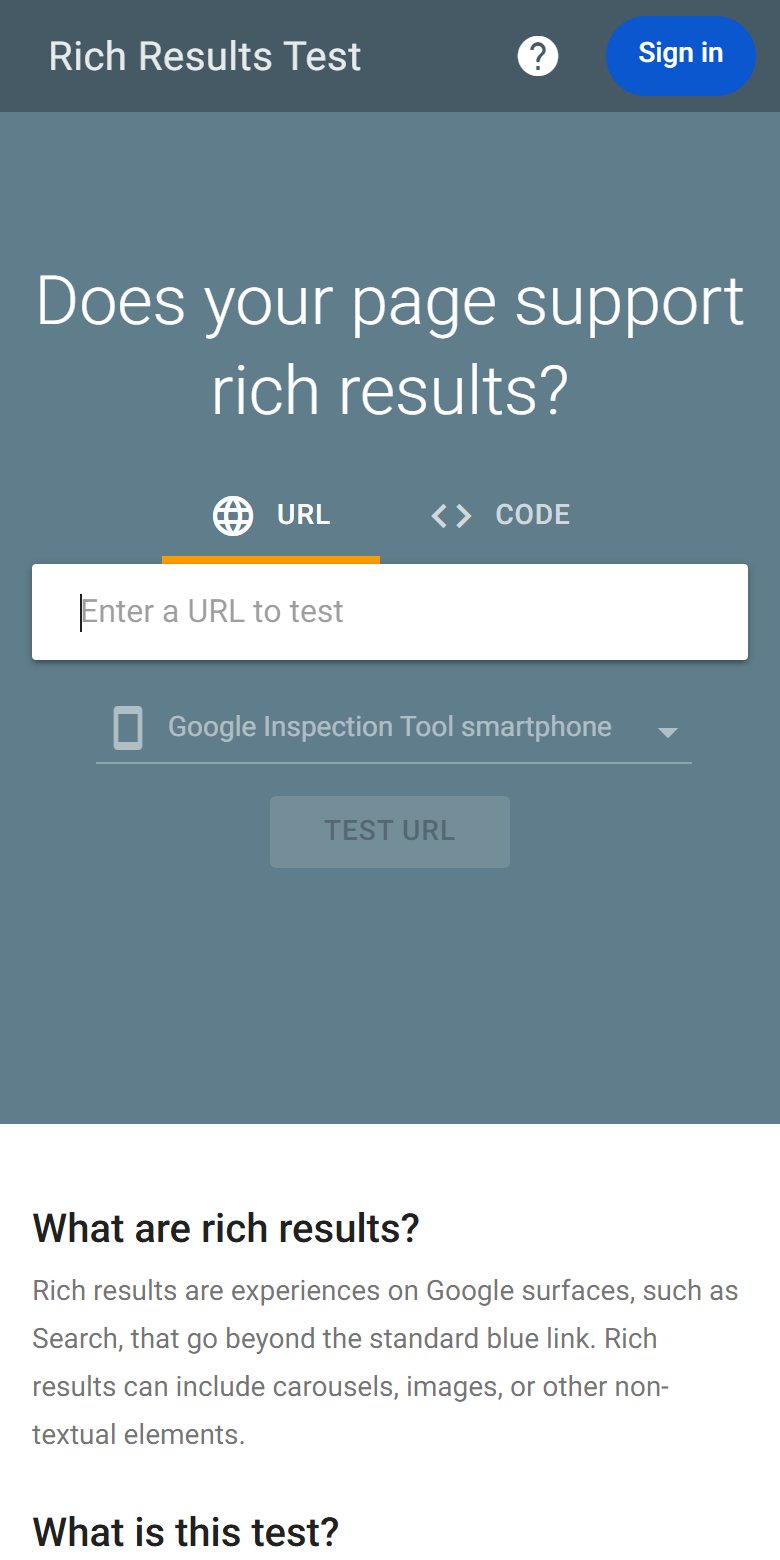
- Check it with Google's tool: Rich Results Test.
Write me Schema code in JSON-LD format for my business, type LocalBusiness (or the most precise type for my business).
The details:
Name: [ ]
Business type: [ ]
City and address: [ ]
Phone: [ ]
Website link: [ ]
Opening hours: [ ]
Services: [ ]
My social links: [ ]
Don't invent any information. Give me the finished code to put inside the <head> of my home page.
Get people talking about you
AI trusts what others say about you more than what you say about yourself.
- Get into the "best [your service] in [your city]" lists that come up in ChatGPT and Google, and contact the people who run them.
- Answer people's questions in your field: forums, Reddit, and your city's groups. Real help, not ads.
- Ask your customers, and the local media, to mention you by name.
- Short YouTube videos that explain your service and mention your city.
Find me the websites and lists that feature "the best [your service] in [your city]".
Give me a table: the site's name, the link, whether I'm mentioned in it, and how to contact them to get added.
Repeat the check every month
Results change. Ask the same questions from step 1 every month, and compare.
- The same questions, and the same tools.
- Note down: did your name come up? In what position? And who's ahead of you?
- See what the ones ahead of you have that you don't: more reviews? A clearer page? Listed somewhere? And fill the gap.
✅ The final checklist
- I checked where I stand in ChatGPT, Gemini and Perplexity, and saved the result.
- My Google Business Profile is complete: category, services, photos.
- The review link reaches every happy customer, and I reply to every review.
- I'm on Bing, Apple and my field's directories, with exactly the same details.
- A clear page for each service, with an FAQ.
- Search crawlers can get into my site, and my site is registered in Bing.
- Schema code is on my home page, and it passed the test.
- I'm working on getting my name into lists, forums and YouTube.
- The next check is in my calendar.
📚 We have more than 20 other free guides
More free guides? Tap here ↗Want to learn more?
In Nadr Community we teach Claude, content creation and ads step by step, across 5 tracks we keep improving (lessons are in Arabic):